
Approve the QC
Once the reviewer and author agree that the file has been fully reviewed and there are no remaining findings, the reviewer can approve the issue.
Approval is more than closing the issue. It records the commit at which the file is considered approved, so there is a clear link to the exact version that was reviewed.
Files in the Ready for Review swimlane that do not have any uncommitted local changes will automatically open the Approve tab in the pop-up.
In the Approve tab, you can select the commit to approve, add an optional comment, and preview the comment.
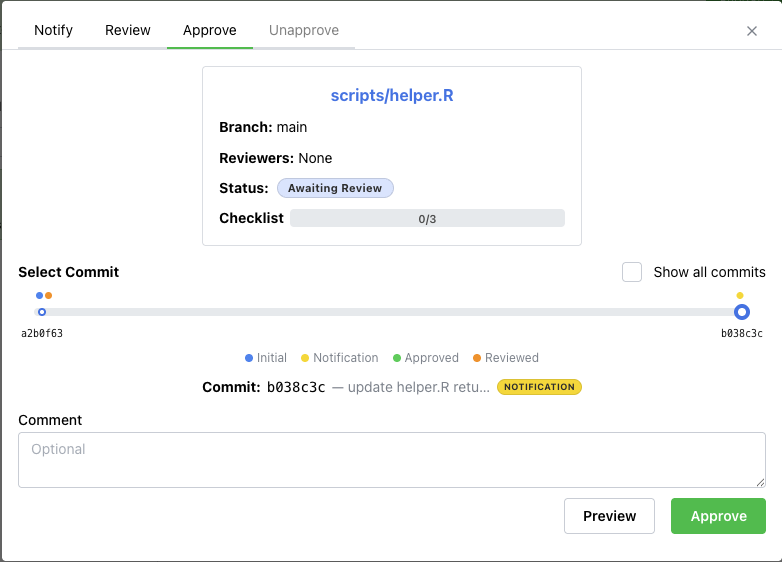
Clicking Post posts the comment, closes the issue, and updates the issue status to Approved.