Git Status
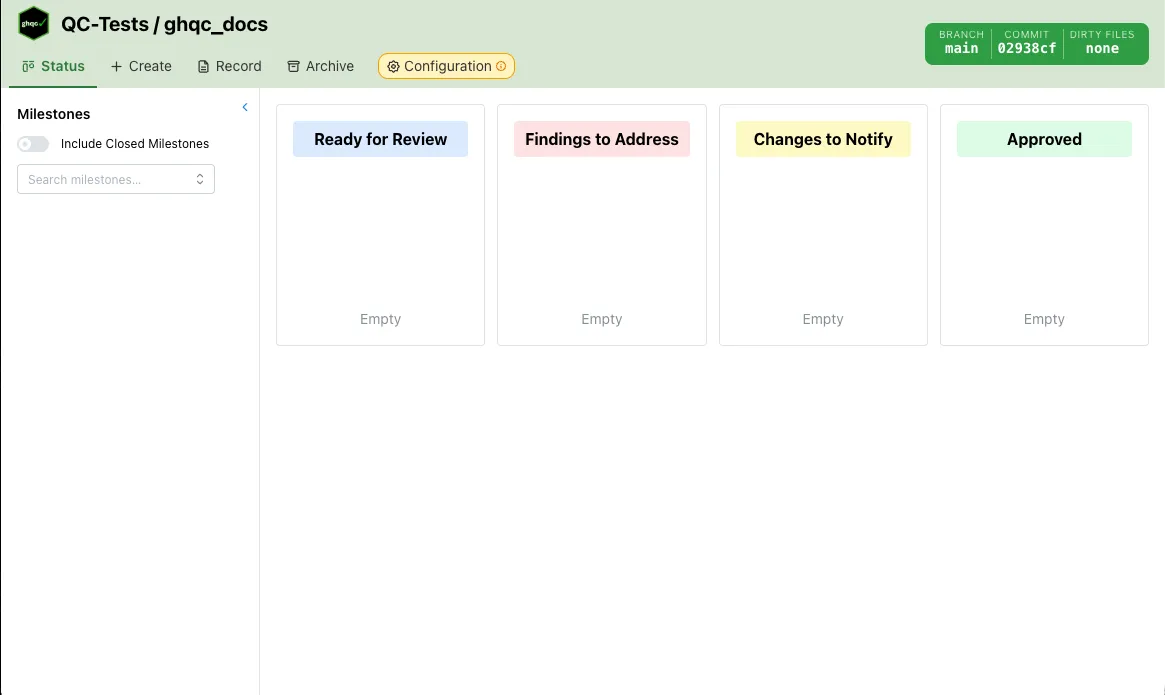
The Git Status pill is always visible in the upper-right corner of the ghqc UI.
It reflects the sync state of your local repository relative to its remote, and updates automatically as you work.
What It Shows
Section titled “What It Shows”The pill displays three pieces of information at a glance:
- Branch name — the currently checked-out branch
- Commit SHA — the first 7 characters of the local HEAD commit
- Dirty file count — the number of uncommitted local changes, or “none” if the working tree is clean
States
Section titled “States”The pill color reflects the sync relationship between your local branch and the remote.
| State | Color | Meaning |
|---|---|---|
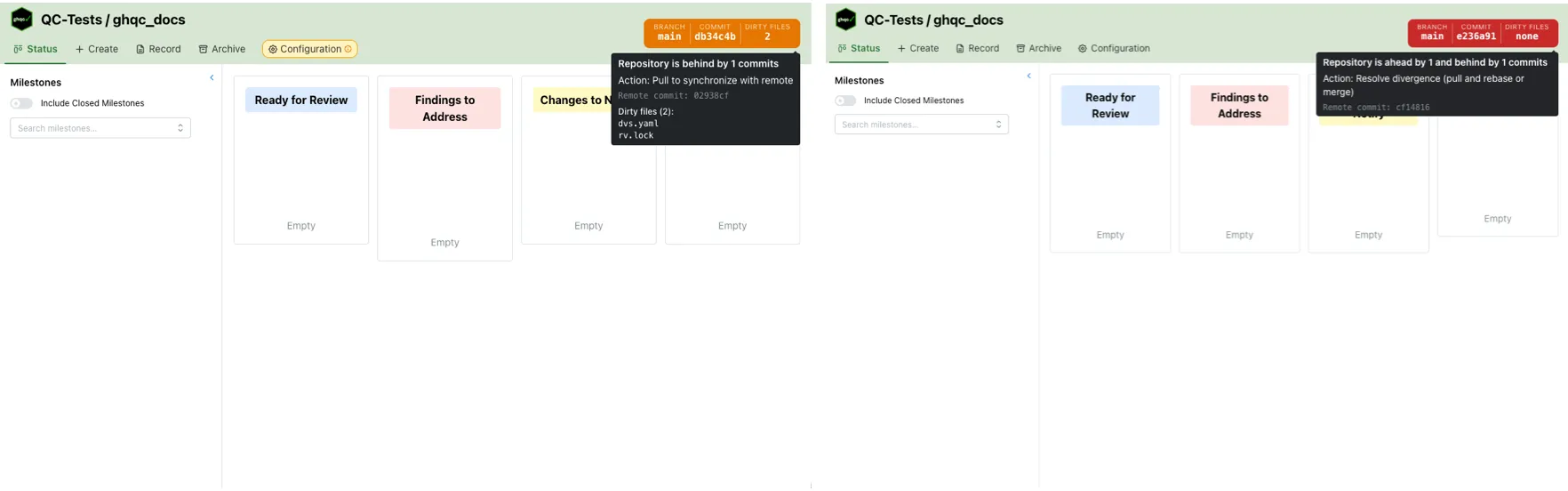
clean | Green | Local and remote are in sync |
ahead | Orange | Local commits exist that have not been pushed |
behind | Orange | Remote commits exist that have not been pulled |
diverged | Read | Local and remote have diverged and cannot be fast-forwarded |
Tooltip
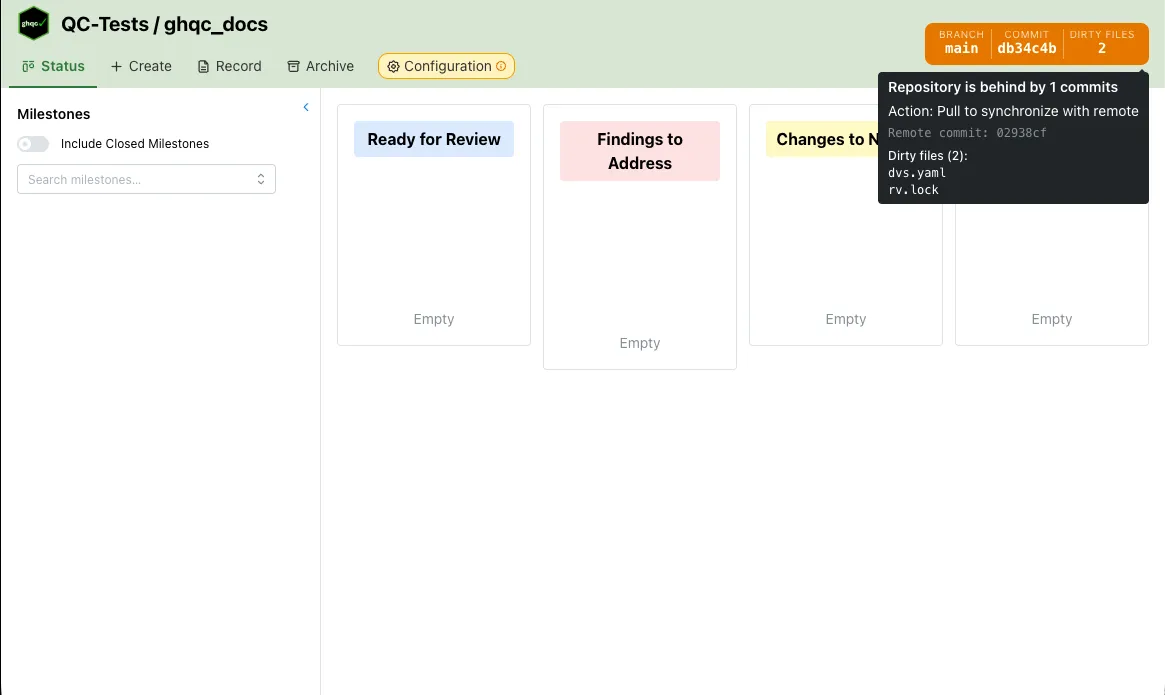
Section titled “Tooltip”Hovering over the pill expands a tooltip with additional detail:
- A plain-language description of the current git state
- A recommended action (push, pull, or resolve divergence)
- The remote HEAD commit SHA (when not clean)
- A list of dirty files, if any, up to the first 8 — with a count of any remaining
Refresh Behavior
Section titled “Refresh Behavior”The pill polls the /api/repo endpoint every 30 seconds while you are active. If no mouse, keyboard, scroll, or touch input is detected for 5 minutes, polling pauses. It resumes on the next interaction, and also refetches whenever the browser window regains focus.
Impact on Create
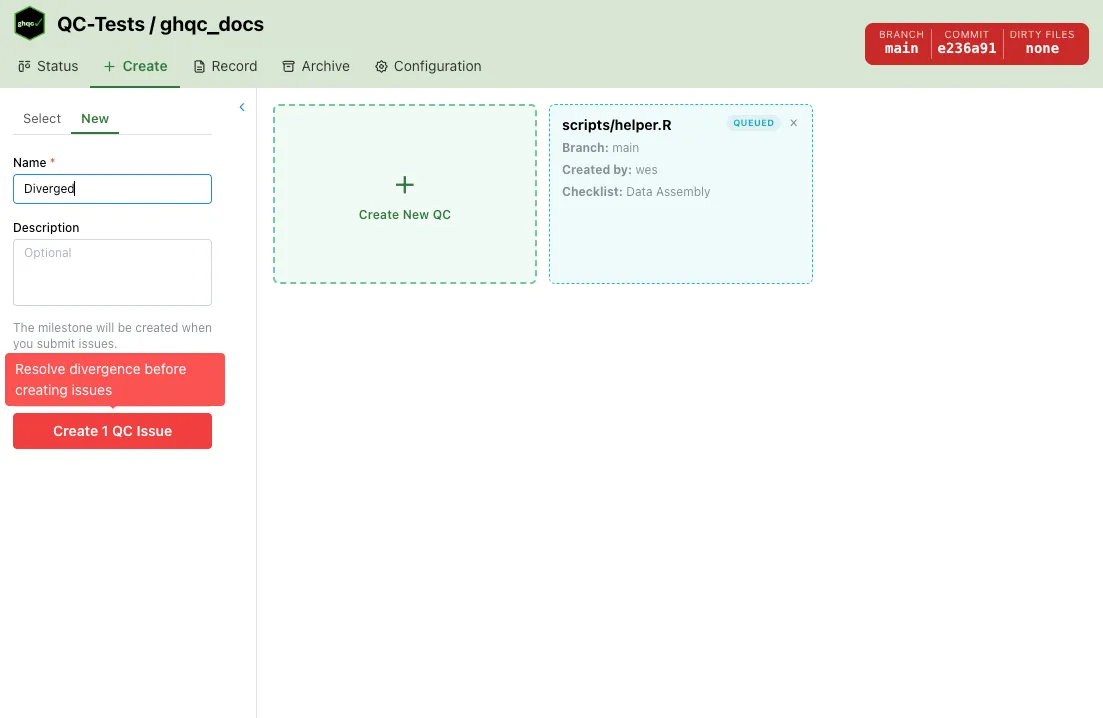
Section titled “Impact on Create”The git status affects the Create tab. When the repository is not clean, warnings appear above the issue creation form:
- Diverged — A red warning blocks creation. Resolve the divergence before creating issues.
- Ahead or behind — An orange warning recommends pushing or pulling to synchronize with the remote before creating issues.
- Dirty files — A yellow notice recommends committing or stashing local changes before creating issues.